
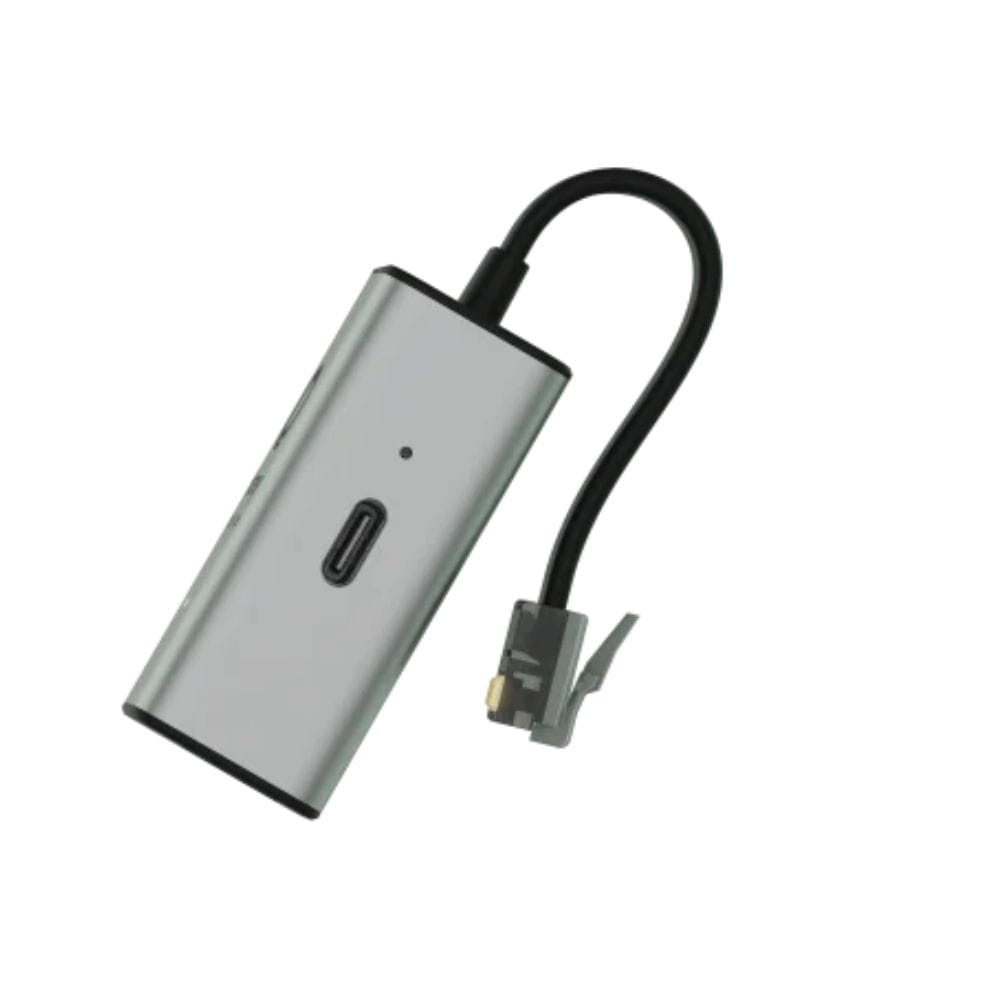
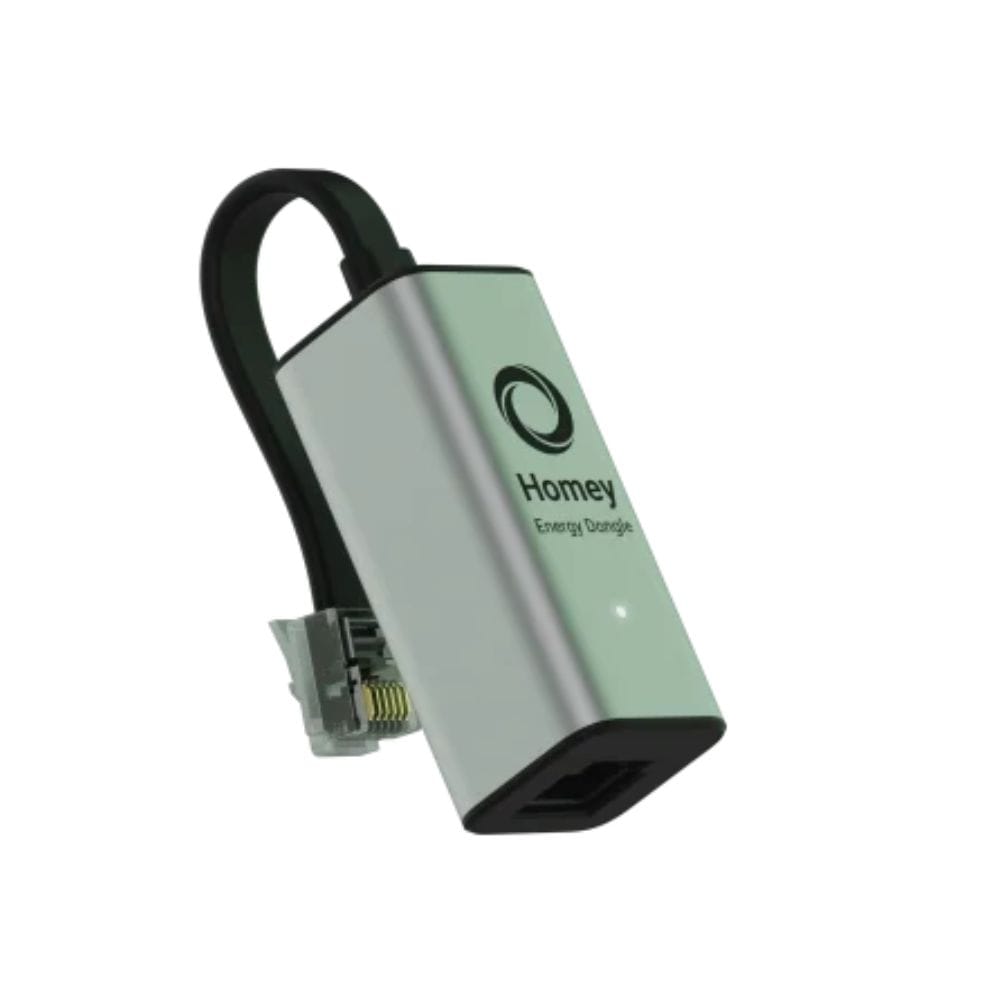

Homey Energy Dongle, adapter
- EAN code: 8720892562852
- Product code: HOM-BRI-EDON
- In stock (delivery 1-3 days)
The Homey Energy Dongle is a small device that connects to the P1 input of the smart home meter and provides real-time energy consumption data to the Homey smart home control panel. This allows you to monitor your electricity and gas consumption, as well as switch on PV systems, electric vehicles and batteries, giving you a complete overview.
68,30 € Original price was: 68,30 €.51,22 €Current price is: 51,22 €.
Homey Energy Dongle is a compact device that connects to the P1 input of your smart meter and transmits real-time energy consumption data to the smart Homey central system. So you can monitor your electricity and gas consumption and integrate solar systems, electric vehicles and batteries for a complete overview of your home's energy.
You can read more about compatible counters here.
Z Homey Energy Dongle Easily monitor your home's energy consumption, optimise usage and reduce costs - while helping to protect the environment.
Key features:
- Real-time energy monitoring: monitor your home's energy consumption in person and better understand your habits.
- Wide compatibility: compatible with meters with P1 input, which is the case in many European countries, including Hungary.
- Easy installation: connect the device to the P1 input of the meter and access the consumption data immediately.
- Built-in distributor: allows the connection of an additional device, for example the P1 input of an electric vehicle charger, for load regulation.
- Integration and compatibility: Homey Energy Dongle connects seamlessly to Homey Pro (2023) and Homey Cloud and enables real-time energy monitoring and automation of smart devices for greater energy efficiency.
Homey system supports protocols Zigbee, Z-Wave, Bluetooth, Wi-Fi, Thread, IR and Matter, so most smart devices can be integrated.
Installation instructions:
- Link: connect the RJ12 connector of the Homey Energy Dongle to the P1 input of your smart meter.
- LED signal: if the blue LED is flashing, the dongle is in connection mode and you can continue. If the LED is red or off, connect the supplied USB-C cable to an external power source.
- Link to the app: open the Homey app, go to 'Devices', then tap 'Add new device'. The Homey Energy Dongle will automatically appear - tap 'Connect' and follow the instructions.
System requirements:
- Homey Pro (2023) or an invoice Homey Cloud.
- Digital smart meter with P1 input.
Package contents:
- Homey Energy Dongle
- P1 → Wi-Fi USB cable
- USB-A → USB-C cable
Frequently asked questions:
What is a P1 input?
P1 is the input that most smart meters in Europe have. It uses an RJ12 connector to read energy consumption data.
Do I need an external power supply?
Depending on the type of meter. Counters DSMR5 or ESMR5 power the dongles directly, while the DSMR4 and DSMR2 require an external power supply unit.
What is the USB-C port for?
If the meter does not provide enough power, you can connect an external power source to the USB-C connector.
You can also connect a computer to read the raw data in the form of Telegram.
Which protocols are supported?
The Homey Energy Dongle has built-in Wi-Fi 6 (802.11b/g/n/ax) and Bluetooth 5 LE (2.4GHz) chips.
What kind of meters can I use with the Homey Energy Dongle?
It can be connected not only to electricity meters with P1 output, but also to compatible gas and water meters with P1 interface.