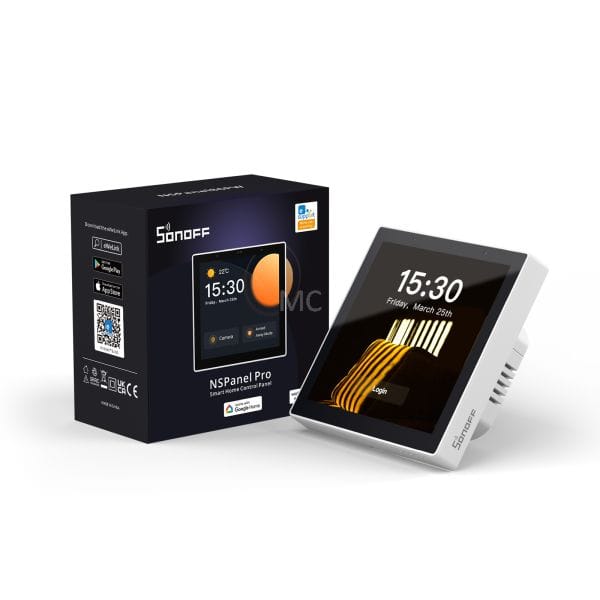
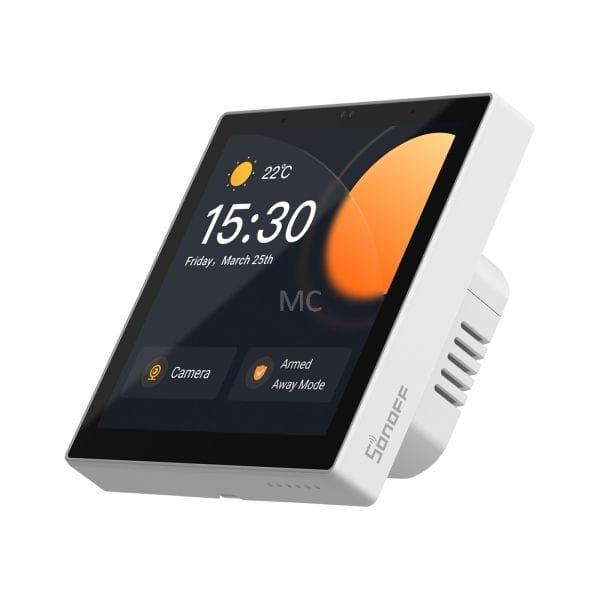
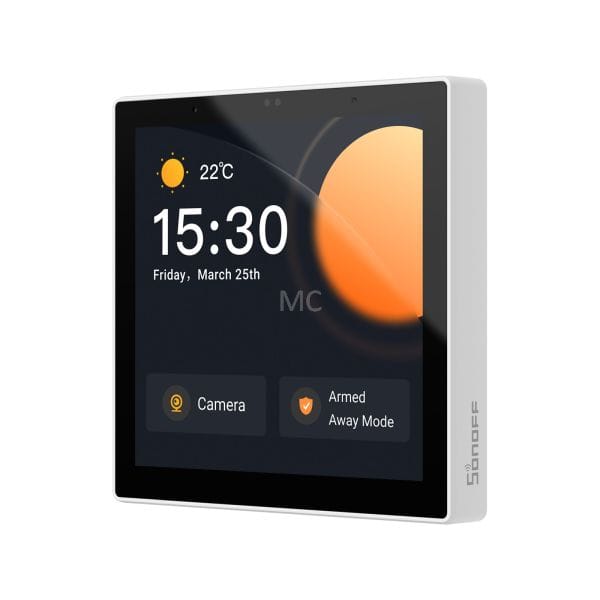
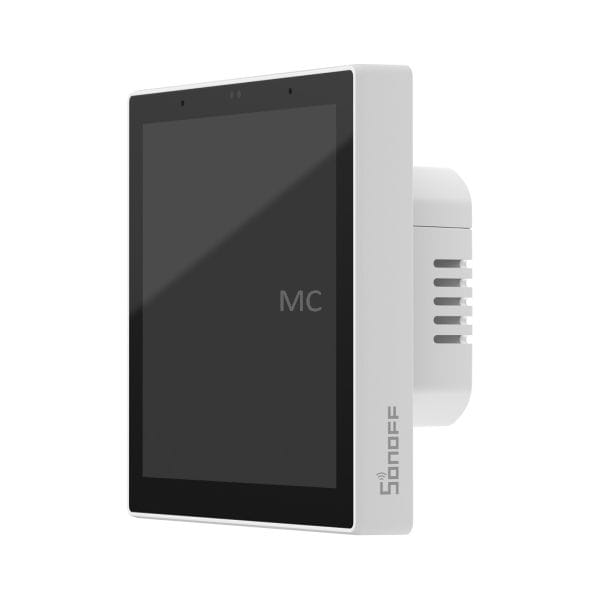
Sonoff NSPanel Pro Wi-Fi + ZigBee Control Panel (white)
- EAN code: 6920075778038
- Product code: SON-KIE-NSPPROW
- In stock (delivery 1-3 days)
The SONOFF NSPanel Pro is a compact touchscreen control panel released in Q1 2023 that supports control of lighting, switches, heaters, sockets and plugs, almost all eWeLink smart devices.The NSPanel Pro is more than just a wall-mounted touchpad, it also includes a built-in Zigbee 3.0 bridge function that is compatible with the eWeLink platform, so it can also be used as a gateway to Zigbee. It is also compatible with Philips Hue Zigbee bulbs and IKEA Zigbee bulbs.
136,54 € Original price was: 136,54 €.102,41 €Current price is: 102,41 €.
The Sonoff NSPanel Pro, released in Q1 2023, is a touchscreen smart home control panel that includes a Zigbee + Bluetooth smart home hub, all in one. It can control lighting, switches, heaters, sockets and plugs, almost any eWeLink smart device. So the NSPanel Pro is not just a mini wall-mountable tablet, it also includes a built-in standard Zigbee 3.0 bridge function, so it can also be used as a Zigbee gateway. Since firmware v1.5.6, a Bluetooth (eWeLink-Remote) hub function has also been added.
NSPanel Pro is available with a dark grey and white frame version. This is the white frame version.
Main features of the Sonoff NSPanel Pro:
Dashboard for managing Wi-Fi eWeLink devices
With the NSPanel PRO control panel, you can control your Wi-Fi smart home devices (compatible with the eWeLink app) on up to 3 NSPanel Pro screens: you can see the on/off status and also turn them on/off directly from NSPanel Pro, as well as monitor the data and status of eWeLink sensors.
Dashboard for manual activation of eWeLink scenes
You can set up the screen with your favourite eWeLink (manually triggered) scenes, which are also suitable for group management of multiple devices. With one tap on the NSPanel PRO you can start the desired scene. For example, you can create "I've come home" and "I've left home" scenes that turn off lights or disable/enable specific scenes.
Integrated Zigbee gateway
NSPanel PRO also includes a Zigbee bridge compatible with the eWeLink platform that supports all Zigbee 3.0 standard eWeLink compatible sensors, switches, relays and sockets. You can start connecting Zigbee devices to NSPanel Pro either via the NSPanel touchscreen or via the eWeLink app. It is compatible not only with eWeLink Zigbee devices, but also with common Zigbee 3.0 devices from other manufacturers (supported in the eWeLink app), such as Philips Hue and IKEA Zigbee bulbs.
Similar to the Sonoff Zigbee Bridge Pro, the Zigbee Bridge supports three security modes: HOME, DISTANT, SLEEP. Active mode can be set both in the eWeLink app (on the phone) and on the NSPanel Pro screen. You can set which sensors should be active in each mode when the NSPanel PRO triggers a local alarm. For example, in HOME mode, only the Zigbee sensor on the front door should alarm, in REMOTE mode all motion sensors should also alarm, and in SLEEP mode the sensors in the living room and hallway should alarm.
Bluetooth gateway
Since firmware version v1.5.6, the device also has an eWeLink-Remote (Bluetooth) hub function. If you connect battery-powered eWeLink-Remote wireless switches (e.g. Sonoff R5 switch or S-MATE module) to it, the NSPanel will act as a Bluetooth receiver and hub, allowing you to manage other WiFi eWeLink devices via the cloud.
Viewing the video from the camera
You can add cameras compatible with the eWeLink app to NSPanel Pro and view the live video feed on the NSPanel PRO LCD screen. It is also compatible with the eWeLink Camera app on your phone, and you can add RTSP-compatible and DIY (ESP32-CAM) cameras via the NSPanel Pro interface. (RTSP and ESP32-CAM cameras are only displayed on the NSPanel screen, not in the eWeLink app.)
Installed in the entrance hallway, the NSPanel Pro can be used as a "video intercom", as you can see on the screen who is at the door or in the garden. It can also be used to monitor the situation in a specific room or garden.
For cameras that support two-way audio, you can also listen to sounds around the camera and talk back through the camera's speaker.
Intercom: calls between the eWeLink application and NSPanel Pro, or between two NSPanel Pro units
Intercom calls can be made between several NSPanel Pro units installed in different rooms of the house. You can also call any NSPanel Pro unit via the eWeLink app on your phone or tablet.
Energy panel
For eWeLink devices with metering, consumption can also be monitored on the NSPanel Pro display.
Thermostat function
You can also create cloud-based thermostat settings in the eWeLink app. You can choose which temperature sensor data you want to use (e.g. Sonoff or SmartWise wireless Zigbee thermometer) and specify which eWeLink relay or switch will be connected. You can set automatic or manual switching between heating and cooling. It is possible to set a hysteresis between 1 and 5 degrees on/off.
Web browser
In the eWeLink app, you can set any web address to open with one touch on the 480×480 px, 3.95″ NSPanel Pro home screen.
Compatibility and further upgrades
NSPanel Pro is compatible with the Home Assistant platform. It will also gain support for the Matter protocol with a firmware update in Q4 2023.
Other features:
- Wake-up call
- weekly timer
- current and 7-day weather forecast (configurable location)
- adjustable volume
- adjustable screen off time
- adjustable backgrounds
Hardware features:
- 4.95″ TFT LCD display with 480×480 px resolution, multi-touch support
- Supports 16.7 million colours
- two-way sound (microphone + speaker)
- automatically adjusts the brightness of the screen thanks to the built-in light sensor
- 4-core Cortex-A35 CPU
- Mali-G31 graphics processor
- 8 GB eMMC ROM
- 2 GB DDR3 RAM
- wall-mountable (phase and zero required for operation), also available as a table-top bracket